Looking for Etsy alternatives for digital products? Whether you sell printable planners, Canva templates, Notion templates, eBooks, digital art, fonts, or other downloadable products, there are several platforms that can help you run your online business without relying on Etsy.
Some alternatives are marketplaces where customers can discover products from different creators. Others let you create your own digital storefront and sell directly to your audience.
There are also platforms like Stan Store that allow creators to sell digital downloads through a simple link-in-bio storefront, making them particularly useful for people who promote their products on Instagram, TikTok, and other social media channels.
But which platform should you choose? It depends on what you sell, how much you’re willing to spend on fees, and whether you want access to an existing marketplace audience or prefer to build your own brand.
In this guide, we’ll compare 13 of the best Etsy alternatives for digital products in 2026. We’ll look at their features, pricing, advantages, and disadvantages to help you find the right platform for selling digital downloads.
Looking for alternatives to Etsy for handmade, physical, and creative products? Check out our comprehensive guide to the best Etsy alternatives for sellers.
Best Etsy Alternatives for Digital Products at a Glance
Before exploring each platform in detail, here’s a quick comparison of the best alternatives to Etsy for selling digital products.
| Platform | Best For | Starting Cost | Marketplace Discovery |
|---|---|---|---|
| Creative Market | Design assets and templates | Free to apply | Yes |
| Creative Fabrica | Fonts, SVG files, and craft designs | Free to apply | Yes |
| Teachers Pay Teachers | Educational resources | $29 one-time Basic membership | Yes |
| Payhip | Beginners and digital downloads | Free + 5% fee | Yes, after approval |
| Gumroad | Independent creators | Free + 10% + $0.50 direct sales | Yes, through Discover |
| Ko-fi | Selling directly to followers | Free + 5% shop fee | Primarily audience-driven |
| Stan Store | Social media creators | $29/month | No marketplace search |
| Shopify | Building an independent store | $29/month with annual billing | No marketplace search |
| Sellfy | Hosted digital storefronts | From $22/month annually | No marketplace search |
| Easy Digital Downloads | WordPress digital stores | Free core plugin | No |
| WooCommerce | Customizable WordPress stores | Free core plugin | No |
| Podia | Courses, memberships, and downloads | From $42/month annually | No marketplace search |
| Lemon Squeezy | Software and subscriptions | Free + 5% + $0.50 | No marketplace search |
Prices are illustrative US pricing checked in November 2026. Transaction fees, payment processing, taxes, and country-specific conditions may apply. Marketplace discovery does not guarantee sales.
Which Etsy Alternative Should You Choose?
Here are some quick recommendations based on different selling needs:
- Best for beginners: Payhip. It offers a free plan, automatic digital delivery, and an easy-to-use storefront.
- Best for digital design assets: Creative Market. It gives designers access to a marketplace for fonts, graphics, templates, and other creative resources.
- Best for craft designs and SVG files: Creative Fabrica. It specializes in digital creative resources.
- Best for educational printables: Teachers Pay Teachers. It’s designed for teachers and creators of educational resources.
- Best for building an independent brand: Shopify.
- Best for WordPress users: Easy Digital Downloads.
- Best for customizable online stores: WooCommerce.
- Best for selling directly through social media: Stan Store.
- Best for selling directly to an existing audience: Gumroad or Ko-fi.
- Best for an all-in-one creator business: Podia.
- Best for software and digital subscriptions: Lemon Squeezy.
Now, let’s explore each platform in more detail. Their order is random.
13 Best Etsy Alternatives for Selling Digital Products
The platforms below are organized into five categories: digital product marketplaces, hosted storefronts, independent online stores, WordPress solutions, and specialized creator commerce platforms.
This makes it easier to compare alternatives based on how you want to sell rather than simply looking at a list of names.
1. Digital Product Marketplaces and Niche Platforms
These platforms are particularly interesting if you want to reach people who are already searching for digital resources.
Unlike independent online stores, marketplaces bring multiple creators together and allow customers to discover products through the platform.
However, each marketplace has a different audience and product focus.
1. Creative Market
Best for: Designers and creators selling digital design assets.
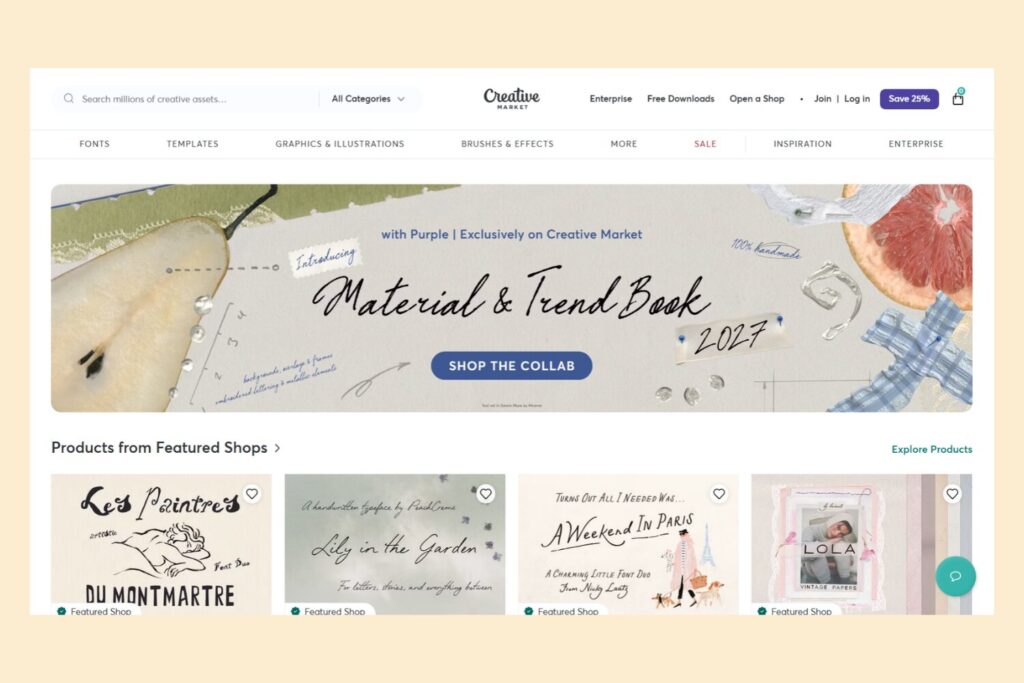
Creative Market is an established marketplace dedicated to digital design resources.
It’s different from platforms such as Shopify and Payhip because it gives designers access to an audience where customers actively browse and purchase creative assets.
This makes it particularly suitable for creators who sell products intended for designers, marketers, developers, and other creative professionals.
You can sell:
- Fonts and typography.
- Graphic design elements.
- Illustrations.
- Website themes and templates.
- Presentation templates.
- Social media designs.
- Mockups.
- Photography and other creative assets.
Key features:
- Marketplace for digital design products.
- Individual seller shops.
- Product licensing options.
- Automatic digital delivery.
- Product analytics.
- Customer messaging tools.
- Ability to sell on other platforms as well.
Creative Market allows approved shop owners to set their own prices and sell their products without an exclusivity requirement.
Pricing: Opening a shop is free, but Creative Market retains a share of each sale (50%). The seller’s current revenue share and applicable deductions are defined by the shop agreement. There is no standard monthly storefront subscription.
Check the official Creative Market seller information and shop terms.
| Pros | Cons |
|---|---|
| Existing audience interested in digital design assets. | Strong competition from other designers. |
| Suitable for fonts, graphics, and templates. | Platform commissions can reduce revenue. |
| No standard monthly store subscription. | Seller shop applications are subject to approval. |
| Automatic product delivery. | Primarily focused on design-related products. |
| Opportunity to set your own product prices. | Less control over the customer experience than an independent store. |
| Non-exclusive selling arrangement. |
Our take: Creative Market is one of the most relevant Etsy alternatives for designers selling digital assets. If you create fonts, templates, mockups, graphics, or website themes, it offers a specialized audience that may be more relevant than a general online marketplace.
However, check your seller commission terms carefully before deciding where to publish your entire catalog.
2. Creative Fabrica
Best for: Designers and creators selling fonts, SVG files, graphics, patterns, and craft resources.
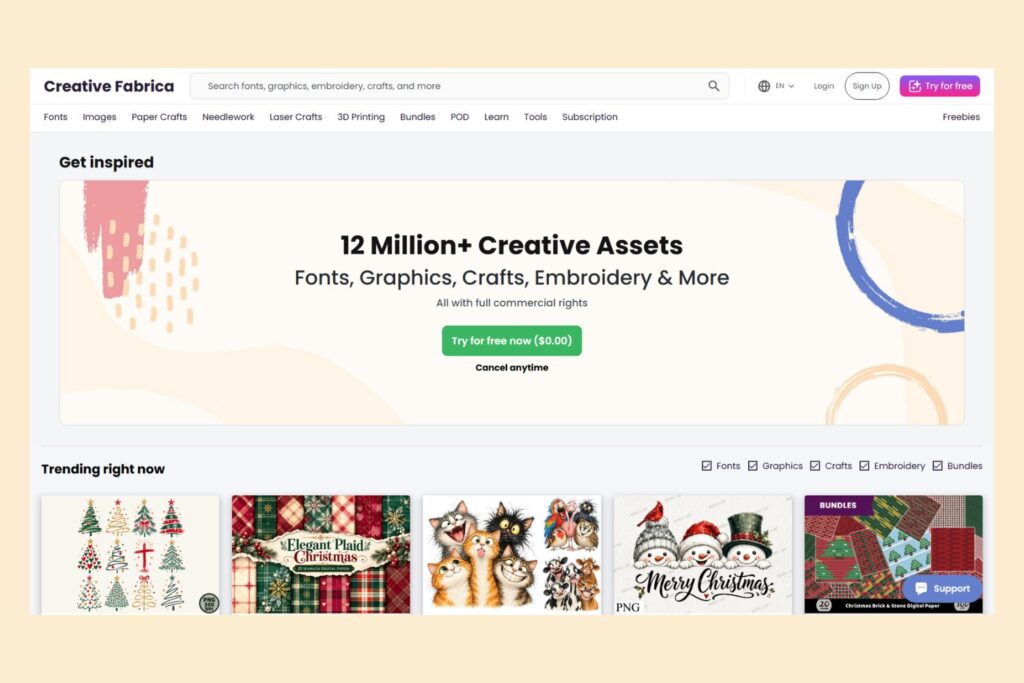
Creative Fabrica is a digital marketplace specializing in creative resources, including design assets, fonts, illustrations, patterns, and crafting files.
It’s particularly popular among creators and customers interested in graphic design, cutting machines, crafting projects, and digital content creation.
If you create SVG files, printable designs, fonts, patterns, embroidery designs, or other creative assets, Creative Fabrica may be an interesting platform to explore.
Key features:
- Marketplace for digital creative resources.
- Individual designer shops.
- Product bundles.
- Subscription-based customer access.
- Single-product purchases.
- Affiliate and promotional opportunities.
- Non-exclusive selling arrangements.
One interesting aspect of Creative Fabrica is its subscription model. Customers can access eligible products through subscriptions, and designers can earn a share of subscription revenue based on customer downloads.
Pricing: Opening a designer shop is free, but you need to apply and meet the platform’s requirements. The platform charges 50% for sales they refer and 25% for sales you refer.
Creative Fabrica uses different revenue-sharing arrangements depending on the type and source of a sale. Subscription downloads have a separate earnings model.
Read the official Creative Fabrica designer information and designer terms.
| Pros | Cons |
|---|---|
| Audience interested in digital creative resources. | Strong competition in popular categories. |
| Particularly suitable for SVGs, fonts, and patterns. | Subscription earnings can be less predictable than individual sales. |
| Opportunity to earn from individual sales and subscriptions. | Revenue depends partly on the platform’s subscription allocation system. |
| Non-exclusive selling arrangement. | Seller application and approval required. |
| Promotional and affiliate opportunities. | Less control over branding than an independent store. |
| Seller support resources. |
Our take: Creative Fabrica is a strong alternative for designers and craft creators who specialize in digital assets.
It’s particularly relevant if you create SVG files, fonts, illustrations, printable designs, patterns, and resources for crafting machines.
Its combination of direct sales and subscription revenue is worth considering, although creators should understand how each earning model works.
3. Teachers Pay Teachers
Best for: Teachers and creators selling educational printables and teaching resources.
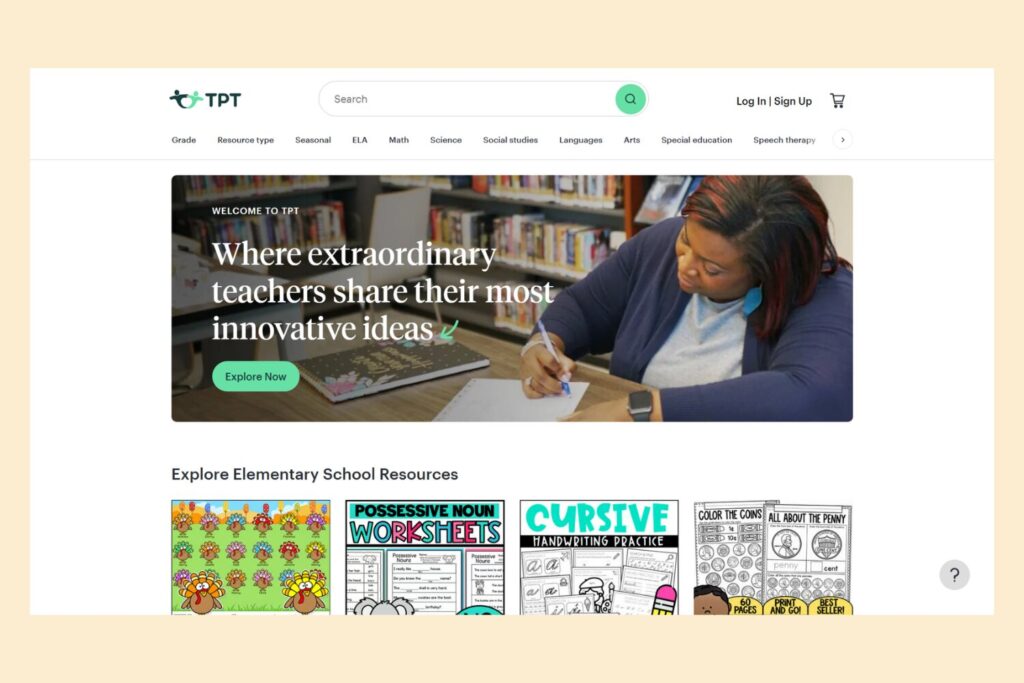
Teachers Pay Teachers (TPT) is a specialized marketplace where educators can buy and sell educational resources.
Unlike general digital product marketplaces, TPT focuses on materials designed for classroom use, homeschooling, and education.
You can sell:
- Printable worksheets.
- Lesson plans.
- Classroom activities.
- Educational games.
- Flashcards.
- Study guides.
- Presentation materials.
- Teaching templates.
- Homeschooling resources.
This makes Teachers Pay Teachers especially relevant for creators who produce educational printables rather than general-purpose planners or digital artwork.
Key features:
- Marketplace focused on educational resources.
- Seller storefronts.
- Product listings and digital delivery.
- Resource categories for different subjects and grade levels.
- Seller tools and promotional features.
- Access to an audience of educators.
Pricing: TPT offers two seller memberships under its current US fee structure:
| Plan | Membership Cost | Seller Payout |
|---|---|---|
| Basic Seller | $29 one-time | 55% |
| Exclusive Seller | $59.95/year | 80% promotional payout through December 31, 2026; 77.5% from January 1, 2027 |
Basic Seller accounts also have a $0.30 transaction fee per resource. Exclusive Seller accounts have a $0.15 transaction fee only on orders totaling less than $3.
Important: The Exclusive membership requires eligible educational digital resources to be sold exclusively on TPT. This is a significant consideration if you also want to sell the same resources on Payhip, Etsy, or your own website.
TPT retired its Premium Seller membership for new sign-ups on October 1, 2026.
See the official Teachers Pay Teachers seller fees and payout information.
| Pros | Cons |
|---|---|
| Dedicated audience of educators. | Not suitable for all digital product categories. |
| Specialized marketplace for educational resources. | Seller payout percentage can be significant. |
| Suitable for worksheets and classroom printables. | Exclusive membership restricts selling the same educational resources elsewhere. |
| Built-in product discovery. | Membership and transaction fees apply. |
| Seller tools and educational resources. |
Our take: Teachers Pay Teachers is an excellent Etsy alternative if your digital products are specifically designed for educators, teachers, and students.
If you create general planners, wall art, templates, or digital illustrations, Payhip or Creative Market may be a better match.
2. Hosted Storefronts and Link-in-Bio Shops
These platforms allow you to create product pages and sell downloadable files without building and maintaining a separate WordPress website.
Some are designed for full digital storefronts, while others are particularly useful for creators who sell through social media profiles.
4. Payhip
Best for: Beginners who want an affordable and easy way to sell digital downloads.
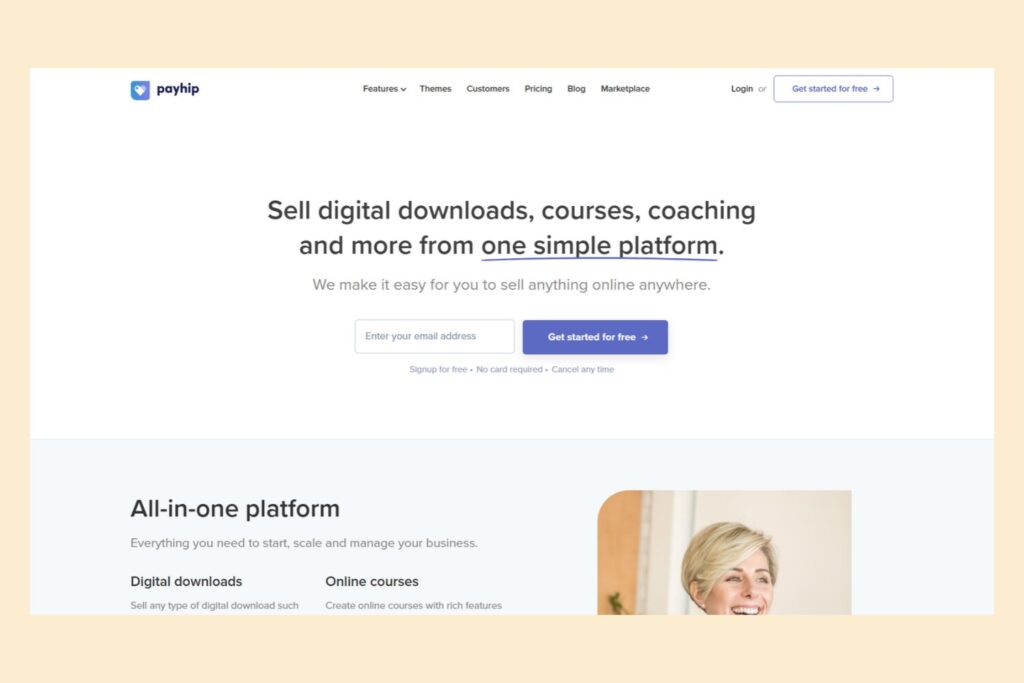
Payhip is an eCommerce platform designed to help creators sell digital products, physical products, courses, and memberships.
One of its biggest advantages is simplicity. You don’t need to build a complicated website or install multiple plugins to start selling.
You can create a storefront, upload your digital products, set prices, customize product pages, and start accepting payments.
Payhip is particularly useful for selling printables, planners, templates, Notion templates, eBooks, digital artwork, software, and other downloadable files.
Key features:
- Digital product storefronts.
- Automatic digital file delivery.
- Customizable product pages.
- Coupons and promotional discounts.
- Affiliate marketing tools.
- Email marketing integrations.
- Memberships and online courses.
- PDF stamping and download limits.
- Software license key generation.
- Optional marketplace discovery.
Another useful feature is PDF stamping. Payhip can automatically add a buyer’s email address and purchase date to PDF files, which may discourage unauthorized sharing.
Payhip also has a digital product marketplace. However, sellers must first reach at least $10 in total sales, pass account review, and have individual products approved before they can be listed there.
Pricing: Payhip offers three pricing plans:
| Plan | Monthly Cost | Transaction Fee |
|---|---|---|
| Free Forever | $0 | 5% |
| Plus | $29 | 2% |
| Pro | $99 | 0% |
All plans include the same core features and unlimited products. Standard Stripe and PayPal processing fees apply separately.
Payhip also automatically collects and remits certain digital taxes, including EU and UK VAT and US and Canadian sales taxes.
See the official Payhip pricing page and marketplace requirements.
| Pros | Cons |
|---|---|
| Free plan available. | Transaction fees apply on the free and Plus plans. |
| Easy setup without technical knowledge. | Marketplace access requires eligibility and approval. |
| Automatic file delivery. | Store customization is more limited than with a fully independent website. |
| Supports different digital product formats. | Stripe and PayPal processing fees still apply. |
| Useful product protection features. | |
| Supports courses and memberships. | |
| Marketplace discovery available after approval. |
Our take: Payhip is one of the best Etsy alternatives for beginners who want to sell digital downloads without paying for an expensive monthly subscription.
Its free plan, automatic delivery features, and optional marketplace exposure make it particularly attractive for creators selling printables, templates, and eBooks.
5. Gumroad
Best for: Independent creators selling digital products directly to their audience.
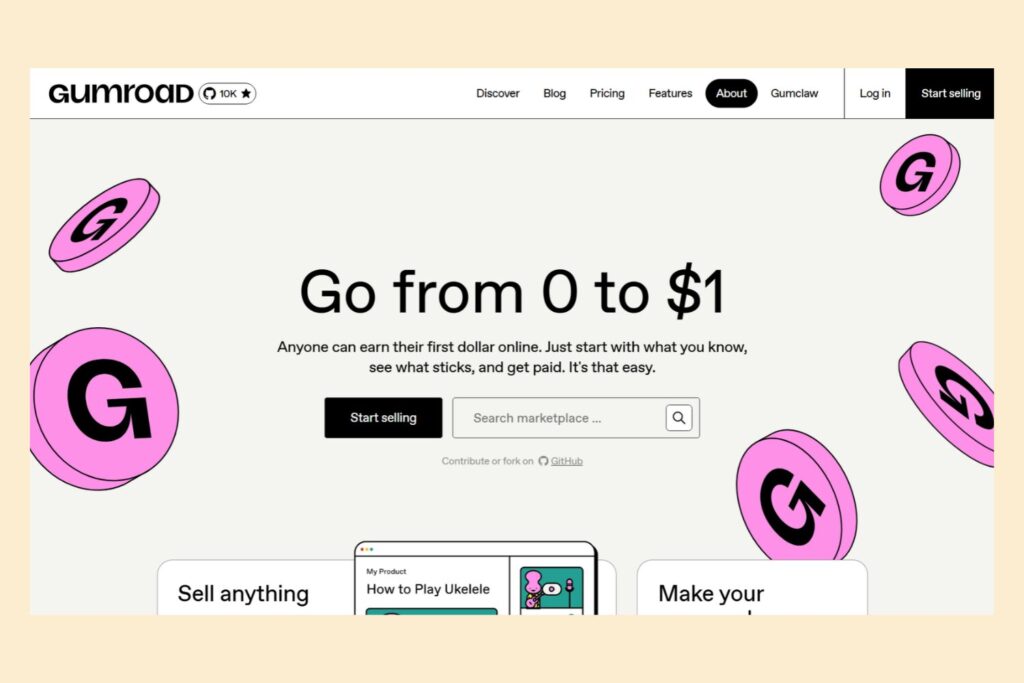
Gumroad is a popular platform that allows creators to sell digital products, subscriptions, memberships, and other online content.
It’s particularly attractive to independent creators who want a simple way to monetize their work without building a full eCommerce website.
You can create product pages, upload downloadable files, set prices, and share your product links through social media, newsletters, blogs, or personal websites.
Gumroad also has its own Discover marketplace, which gives products an opportunity to be discovered by customers browsing the platform.
Key features:
- Simple digital product storefronts.
- Automatic product delivery.
- Custom product pages.
- Memberships and subscriptions.
- Discount codes and promotional tools.
- Audience and customer management.
- Marketplace discovery through Gumroad Discover.
- Analytics and sales reporting.
You can sell eBooks, design templates, educational resources, software, digital artwork, Notion templates, online courses, and other downloadable products.
Pricing: Gumroad doesn’t charge a monthly subscription.
For direct sales through your profile or product links, the platform charges 10% plus $0.50 per transaction. Standard credit card processing fees of 2.9% plus $0.30 apply separately for US card payments.
Sales generated through the Gumroad Discover marketplace have a 30% fee, which includes payment processing.
Gumroad also acts as the merchant of record and handles applicable sales tax collection and remittance worldwide.
For the latest information, check Gumroad’s official pricing page and fee explanation.
| Pros | Cons |
|---|---|
| No monthly subscription. | Direct sales fees can be relatively high. |
| Easy product setup. | Discover sales have a substantial 30% fee. |
| Built-in digital delivery. | Limited storefront customization. |
| Supports memberships and subscriptions. | Less control over website design than independent eCommerce platforms. |
| Can sell through direct links. | |
| Access to Gumroad’s discovery marketplace. | |
| Handles applicable sales tax obligations as merchant of record. |
Our take: Gumroad is a good Etsy alternative for creators who want to start selling quickly without building an entire website.
It’s especially useful if you already have an audience through social media, YouTube, newsletters, or a personal blog.
However, understand the difference between direct-sale and Discover fees before choosing it.
6. Ko-fi
Best for: Independent creators who want to sell digital products directly to their followers.
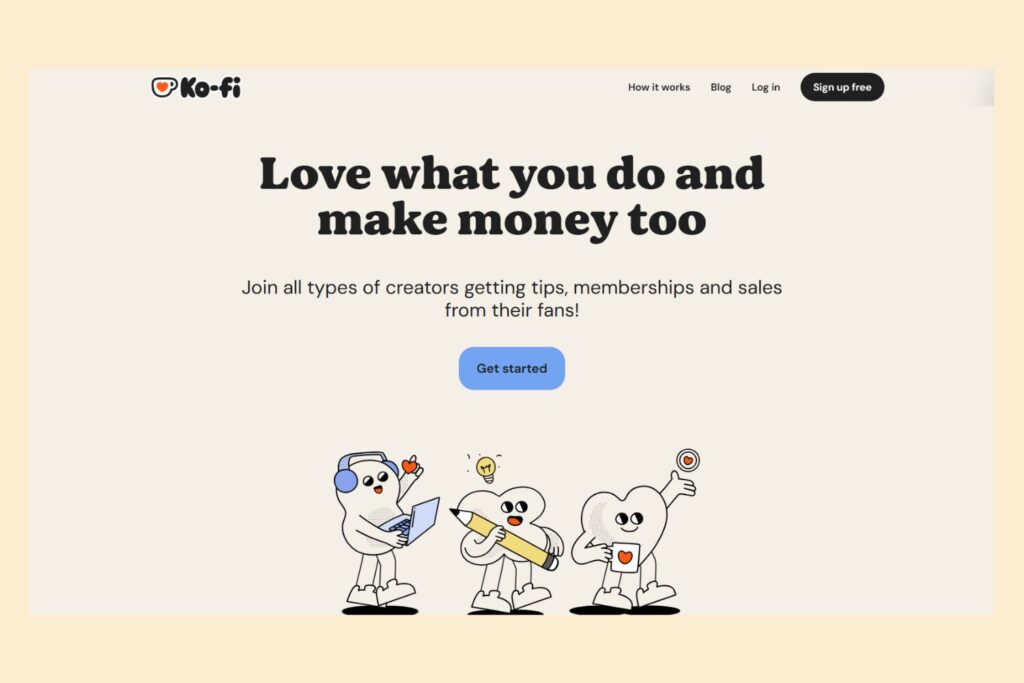
Ko-fi is a platform designed to help creators receive support, build memberships, and sell products directly to their followers.
It’s popular among artists, illustrators, writers, musicians, designers, and independent content creators.
With Ko-fi Shop, you can list digital products, set prices, upload files, and let customers purchase and download them.
You can also combine product sales with memberships, commissions, and one-time supporter contributions.
Key features:
- Digital product storefront.
- Automatic product delivery.
- Creator memberships.
- Commission sales.
- One-time supporter contributions.
- Customizable creator pages.
- Direct payments through supported payment providers.
- Basic shop management tools.
You can sell digital artwork, downloadable illustrations, PDF guides, printable resources, templates, writing resources, and other creative products.
Pricing: Ko-fi offers two main options:
| Plan | Monthly Cost | Shop Service Fee |
|---|---|---|
| Standard | $0 | 5% |
| Ko-fi Gold | $12 | 0% |
Payment processing fees from PayPal or Stripe apply separately.
You can review the official Ko-fi pricing page and Ko-fi Gold information.
| Pros | Cons |
|---|---|
| Easy to set up. | No large marketplace audience comparable to Creative Market. |
| Free starting option. | You need to promote your products yourself. |
| Automatic digital delivery. | Standard 5% shop service fee applies. |
| Supports memberships and commissions. | Store customization is relatively simple. |
| Suitable for artists and independent creators. | Less suitable for large digital product catalogs. |
| Payments go directly through connected payment providers. |
Our take: Ko-fi is an interesting alternative to Etsy for independent creators who already have followers or an online community.
It’s particularly useful if you want to sell digital products alongside memberships, commissions, and other creator-focused offerings without building a separate website.
7. Stan Store
Best for: Content creators selling digital products through Instagram, TikTok, and other social media channels.
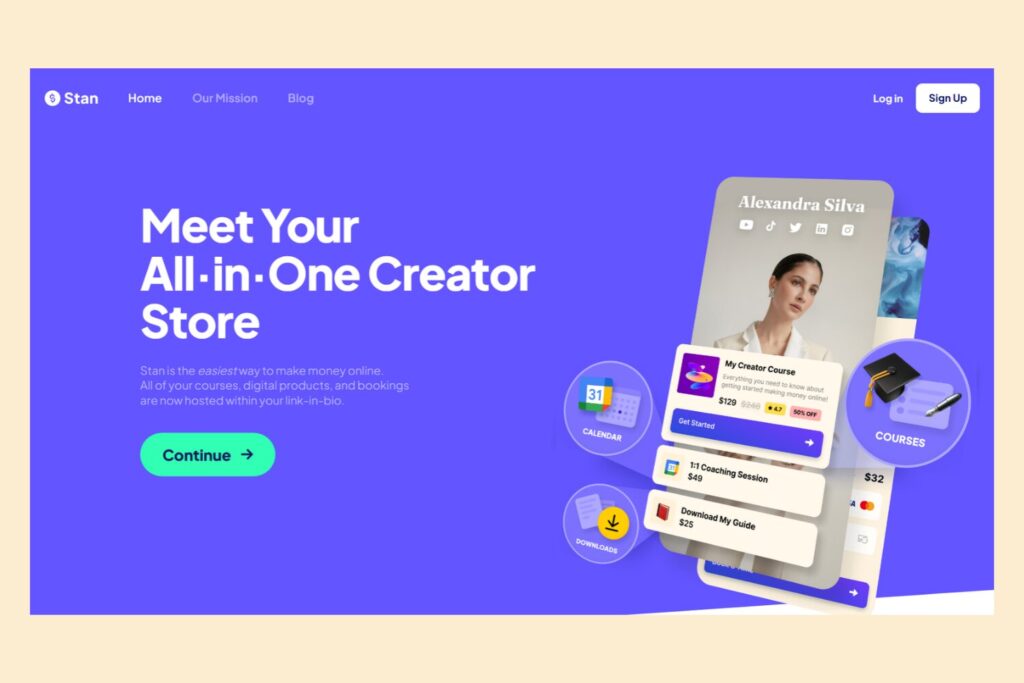
Stan Store is a creator-focused platform that lets you create a simple online storefront designed to be shared through your social media bio.
Instead of building a complete website, you create a link-in-bio store where followers can browse your products, purchase downloads, sign up for courses, or join memberships.
This makes Stan Store particularly useful for creators who already have an audience on social media and want a straightforward way to monetize it.
You can sell eBooks, templates, guides, printable planners, workbooks, digital bundles, online courses, webinars, and other downloadable products.
Key features:
- Link-in-bio storefront.
- Digital product delivery.
- Online course hosting.
- Memberships and subscriptions.
- Lead generation forms.
- Coaching and booking options.
- Webinars.
- Email marketing and automation tools.
- Product upsells and order bumps on eligible plans.
One useful feature is that digital downloads can be delivered automatically after a customer completes a purchase. You can upload a file or provide a link to an online resource such as a Canva template or Notion page.
Pricing: Stan Store currently offers two plans:
| Plan | Monthly Cost | Stan Transaction Fee |
|---|---|---|
| Creator | $29 | 0% |
| Creator Pro | $99 | 0% |
There is no free subscription plan. Stripe and PayPal processing fees apply separately and vary by location and payment method.
See the official Stan Store fee information and digital download guide.
| Pros | Cons |
|---|---|
| Designed for social media creators. | Monthly subscription required. |
| Simple link-in-bio storefront. | No traditional marketplace search traffic. |
| Automatic digital delivery. | Best suited to creators who already have or are building an audience. |
| Supports courses and memberships. | Store customization is less extensive than a fully independent website. |
| No additional Stan transaction fee. | Payment processing and payout fees still apply. |
| Useful lead generation and marketing tools. | |
| No need to build a separate website. |
Our take: Stan Store is an interesting alternative to Etsy if you promote your digital products through Instagram, TikTok, YouTube, or other social media platforms.
It’s particularly suitable for creators selling templates, eBooks, guides, courses, and memberships directly to their followers.
However, it isn’t a traditional digital product marketplace. You shouldn’t expect Stan Store to bring customers in the same way Etsy or Creative Market can.
3. Independent Online Store Platforms
If you want to develop your own digital product brand, an independent online store may be a better choice than a traditional marketplace.
These platforms give you more control over your website, branding, product pages, and marketing.
However, you are generally responsible for attracting visitors and generating sales.
8. Shopify
Best for: Creators who want to build a professional digital product store and develop an independent brand.

Shopify is a comprehensive eCommerce platform that allows businesses to create online stores and sell products through their own websites.
Although it’s often associated with physical products, Shopify also supports digital downloads.
You can use its free Digital Products app to upload files and automatically deliver download links to customers after a successful purchase.
This makes Shopify suitable for selling eBooks, printable planners, Canva templates, Notion templates, stock images, presets, music, digital artwork, and other downloadable products.
Key features:
- Customizable storefronts.
- Digital product delivery through the Digital Products app.
- Product and order management.
- Payment integrations.
- Customer accounts and marketing tools.
- Email marketing and promotional features.
- Social media integrations.
- Analytics and reporting.
- App marketplace for extending functionality.
The Digital Products app supports automatic delivery, file access limits, and multiple uploaded files for a product.
Pricing: Shopify’s Basic plan starts at $29 per month with annual billing in the US. The monthly billing price is higher.
For US domestic card payments using Shopify Payments, Basic plan online card rates start at 2.9% plus $0.30 per transaction. Additional third-party transaction fees may apply when using external payment providers.
You can find the latest information on the official Shopify pricing page and Digital Products documentation.
| Pros | Cons |
|---|---|
| Professional online store builder. | Monthly subscription required. |
| Supports digital and physical products. | Some features require additional applications. |
| Extensive customization options. | No built-in marketplace search for your products. |
| Powerful marketing and sales tools. | Requires more work to attract customers. |
| Large app ecosystem. | Costs can increase as your business expands. |
| Suitable for growing businesses. | |
| Greater control over branding and customer experience. |
Our take: Shopify is an excellent option for creators who want to turn a digital product business into an independent brand.
It’s particularly suitable for sellers with multiple product categories, established audiences, or plans to expand into subscriptions and other revenue streams.
However, beginners with only a few printable products may find Payhip or Gumroad more affordable and straightforward.
9. Sellfy
Best for: Creators who want an all-in-one storefront for digital products.
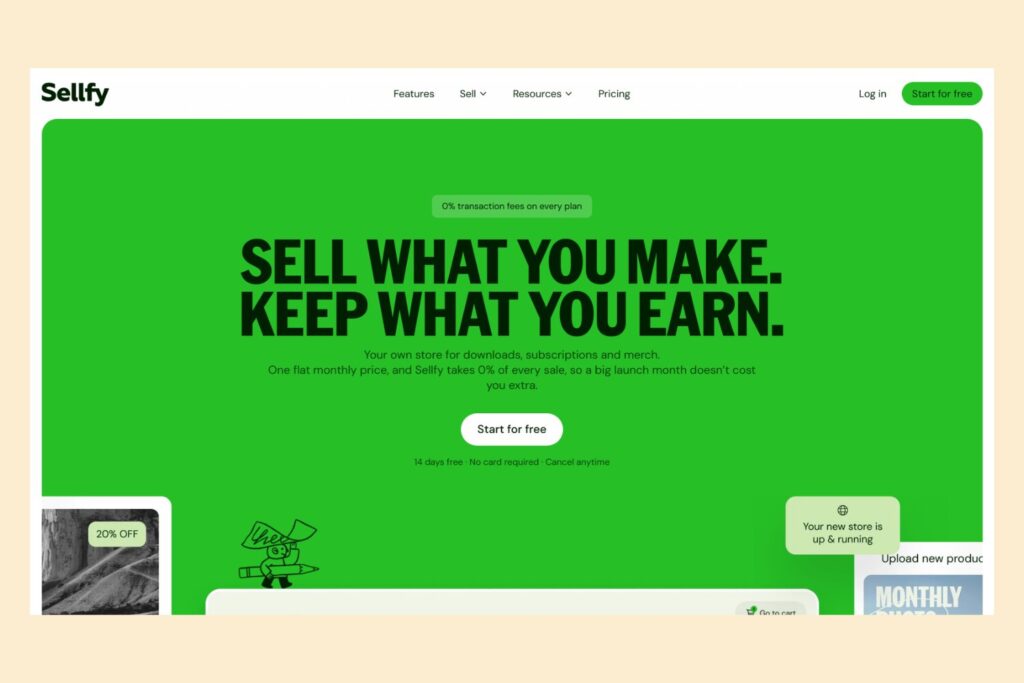
Sellfy is an eCommerce platform designed for creators, artists, and small online businesses.
It allows you to build a storefront, upload products, manage orders, and accept payments without setting up a separate WordPress website.
Sellfy supports digital products, subscriptions, physical products, and print-on-demand merchandise.
For digital product creators, this means you can sell downloadable planners, eBooks, design assets, templates, music, photographs, presets, and other files.
Key features:
- Hosted online storefront.
- Automatic digital product delivery.
- Digital subscriptions.
- Custom domain support.
- Email marketing tools.
- Discount codes.
- Product upselling.
- Cart abandonment recovery.
- Affiliate marketing tools.
- Print-on-demand integrations.
Pricing: Sellfy offers three paid plans. Its Starter plan begins at $22 per month when billed annually, or $29 with monthly billing. Higher plans offer larger annual sales limits and additional marketing features.
Sellfy charges no additional platform transaction fee. However, PayPal and Stripe processing fees still apply.
The annual sales limits are currently $10,000 for Starter, $50,000 for Business, and $200,000 for Premium.
Check the official Sellfy pricing page.
| Pros | Cons |
|---|---|
| Easy to create a digital storefront. | Monthly subscription required. |
| Automatic file delivery. | Annual sales limits depend on your plan. |
| No additional Sellfy transaction fees. | Payment processing fees still apply. |
| Supports digital and physical products. | No built-in marketplace discovery. |
| Built-in marketing features. | Higher plans may be expensive for beginners. |
| Custom domain support. | |
| No need to manage separate hosting. |
Our take: Sellfy is worth considering if you want a dedicated digital storefront without the technical work associated with WordPress.
It’s particularly useful for creators who sell several types of products and want marketing, subscriptions, and storefront management in one place.
4. WordPress Platforms for Digital Downloads
If you want more control over your website and business, WordPress offers two particularly useful eCommerce solutions: Easy Digital Downloads and WooCommerce.
Both let you create your own store, but they have different strengths.
10. Easy Digital Downloads
Best for: WordPress website owners who want a dedicated digital product store.
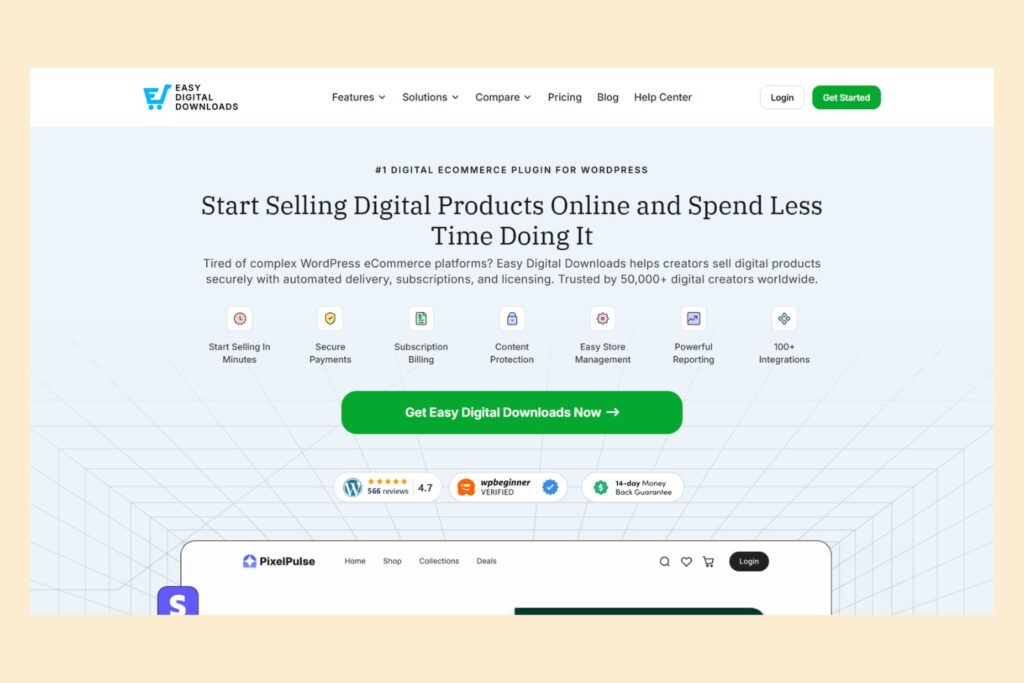
Easy Digital Downloads (EDD) is a WordPress eCommerce plugin designed specifically for selling digital products.
Unlike general eCommerce platforms, Easy Digital Downloads focuses on downloadable products rather than physical inventory and shipping.
It allows you to transform a WordPress website into a digital storefront where customers can browse products, complete purchases, and download their files automatically.
You can use it to sell eBooks, PDF guides, software, WordPress plugins, website themes, stock photos, templates, music, and other downloadable files.
Key features:
- Digital product and download management.
- Automatic delivery through secure download links.
- Customer accounts and purchase history.
- Discount codes and promotional tools.
- Integration with payment providers such as Stripe and PayPal.
- Subscription and software licensing features through eligible paid plans.
- Sales reports and customer management.
Pricing: The core Easy Digital Downloads plugin is free. Paid passes unlock additional features such as subscriptions, software licensing, advanced marketing tools, and other integrations.
The advertised promotional price for its Personal pass starts at $99.50 per year, although promotions and regular prices can change.
The free version can also have a Pay-as-you-go platform fee when using certain payment configurations, so check the payment gateway terms before comparing it with paid plans. Payment processing fees from your gateway still apply.
See the official Easy Digital Downloads pricing page.
| Pros | Cons |
|---|---|
| Designed specifically for digital products. | Requires a WordPress website. |
| Automatic digital file delivery. | You need to manage hosting and website maintenance. |
| Secure, time-limited download links. | Advanced features require paid passes. |
| Extensive WordPress customization. | No built-in marketplace audience. |
| Suitable for growing digital businesses. | Some payment configurations may involve additional platform fees. |
| Free core plugin available. |
Our take: Easy Digital Downloads is one of the strongest Etsy alternatives for digital products if you already use WordPress or want to build your own website.
It provides specialized tools for selling downloadable products and gives you more control over your store, customers, and business operations.
It’s particularly worth considering if you sell software, templates, eBooks, or other products that require secure downloads and customer account management.
11. WooCommerce
Best for: Sellers who want a flexible WordPress store for digital and physical products.
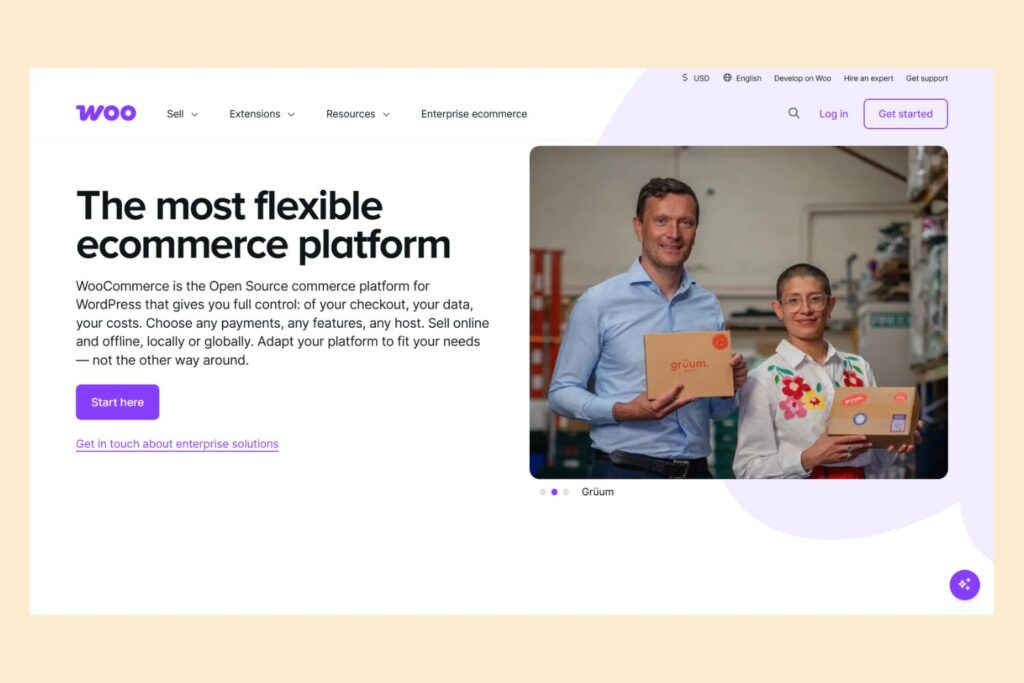
WooCommerce is an open-source eCommerce plugin that turns a WordPress website into an online store.
Unlike Easy Digital Downloads, which focuses primarily on downloadable products, WooCommerce is designed to support a broader range of eCommerce businesses.
You can sell physical products, digital downloads, subscriptions, and other types of products through one website.
For example, if you sell printable planners alongside physical stationery, WooCommerce allows you to manage both from the same store.
Key features:
- Customizable storefronts.
- Digital download management.
- Automatic file delivery after payment.
- Download access limits and expiration settings.
- Product and inventory management.
- Multiple payment gateway integrations.
- Coupons and promotional tools.
- Extensions for subscriptions, marketing, and customer management.
WooCommerce also provides settings for protecting downloadable files and controlling how customers access purchased products.
Pricing: The core WooCommerce plugin is free and open source. However, you’ll need website hosting and a domain name. Additional expenses may include premium themes, extensions, and payment processing fees.
WooCommerce doesn’t charge a platform revenue share for its core software.
See the downloadable product documentation.
| Pros | Cons |
|---|---|
| No monthly platform subscription for the core plugin. | Requires a WordPress website. |
| Extensive customization. | More technical setup than hosted platforms. |
| Supports physical and digital products. | You are responsible for website maintenance. |
| Greater control over your store and customer data. | Hosting and premium extensions can increase costs. |
| Large collection of extensions. | No built-in marketplace traffic. |
| Suitable for businesses with different product categories. |
Our take: WooCommerce is a great Etsy alternative for sellers who want to build a fully customizable online store.
If you sell only downloadable products, Easy Digital Downloads may be a more focused solution. However, WooCommerce is worth considering if you want to sell both digital and physical products or need more flexibility as your business grows.
5. All-in-One Creator Platforms and Specialized Digital Commerce
The last category includes platforms that go beyond basic digital storefronts.
Some combine downloads with online courses and memberships, while others specialize in payments, software licensing, and international tax handling.
12. Podia
Best for: Creators selling digital downloads, online courses, memberships, and educational products.

Podia is an all-in-one platform that helps creators build websites, sell digital products, offer online courses, and manage memberships.
Unlike a simple checkout tool, Podia combines several features needed to run a digital business.
You can create a website, publish product pages, upload downloadable resources, build courses, communicate with subscribers, and manage your customers.
It’s particularly suitable for creators who sell eBooks, templates, guides, educational resources, online courses, and memberships.
Key features:
- Website and storefront builder.
- Digital product delivery.
- Online courses.
- Memberships and communities.
- Email marketing.
- Customer management.
- Landing pages.
- Custom domain support.
- Product bundles and upselling on eligible plans.
Pricing: Podia offers three plans when billed annually:
| Plan | Monthly Equivalent | Podia Fee on Sales |
|---|---|---|
| Mover | $42 | 5% |
| Shaker | $84 | 0% |
| Earthquaker | $150 | 0% |
Stripe or PayPal processing fees apply separately. Monthly billing is more expensive than the annual equivalents shown above.
Podia also offers a 14-day free trial.
See the official Podia pricing page.
| Pros | Cons |
|---|---|
| Combines website building and digital product selling. | More expensive than simple digital storefront platforms. |
| Supports courses and memberships. | Mover includes a 5% transaction fee. |
| Built-in email marketing. | No built-in marketplace search. |
| Suitable for educational creators. | Some advanced tools are restricted to higher plans. |
| No separate WordPress hosting required. | May be excessive for someone selling only a few PDF downloads. |
| Useful for businesses with several digital revenue streams. |
Our take: Podia is worth considering if you want to build a creator business rather than simply sell individual digital files.
For example, if you sell printable planners today but eventually want to offer an online course, membership, or educational community, Podia provides a way to manage these products in one place.
13. Lemon Squeezy
Best for: Software developers and creators selling digital products, licenses, and subscriptions.
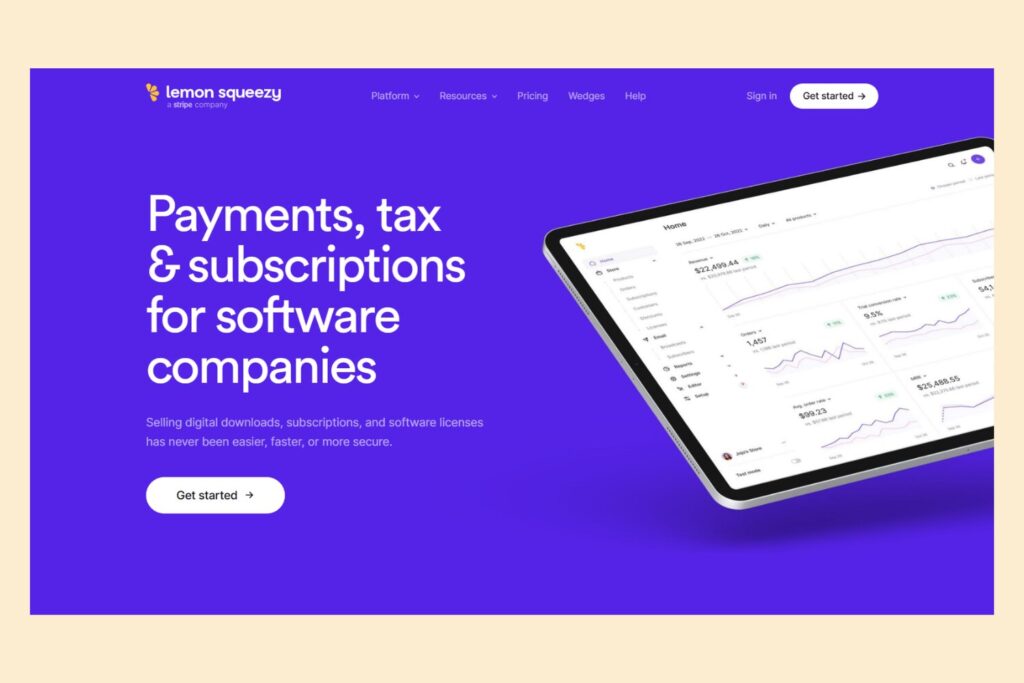
Lemon Squeezy is a digital commerce platform designed for selling software, downloadable products, subscriptions, and other online goods.
While platforms such as Etsy and Creative Market focus heavily on product discovery, Lemon Squeezy focuses more on payment processing, digital delivery, subscription management, and helping businesses sell online.
It’s particularly useful for software developers and creators who want to distribute digital products while managing recurring payments and software licenses.
Key features:
- Digital product sales.
- Automatic digital file delivery.
- Subscription management.
- Software license key generation.
- Discounts and promotional codes.
- Hosted checkout pages.
- Customer and sales analytics.
- Abandoned cart recovery.
- Global tax collection and compliance.
One of Lemon Squeezy’s main advantages is its merchant-of-record model.
This means the platform takes responsibility for applicable sales tax and VAT collection, calculation, filing, and remittance rather than leaving these tasks entirely to the seller.
Pricing: Lemon Squeezy has no monthly subscription for its standard eCommerce functionality.
Its base transaction fee is 5% plus $0.50 per transaction. Additional fees may apply in certain situations, including some international payments and specialized transactions.
You can find the complete fee breakdown on the official Lemon Squeezy pricing page.
| Pros | Cons |
|---|---|
| Designed for digital commerce. | Not a traditional digital product marketplace. |
| Excellent tools for software sales. | Not necessarily the simplest option for beginners. |
| Supports recurring subscriptions. | Additional transaction fees can apply. |
| Software license management. | More specialized than platforms designed for general printables and templates. |
| Automatic digital delivery. | |
| Merchant-of-record tax handling. | |
| No monthly eCommerce subscription. |
Our take: Lemon Squeezy is a good Etsy alternative for creators selling software, plugins, digital tools, and products that require license management or subscriptions.
If you primarily sell printable planners or simple PDF downloads, Payhip or Gumroad may be easier to use. But for software businesses and subscription-based digital products, Lemon Squeezy offers more specialized functionality.
Best Link-in-Bio Platforms for Selling Digital Products
If you promote your products on Instagram, TikTok, YouTube, or other social networks, you may not need a traditional online store.
A link-in-bio storefront gives you one place to organize your products, courses, services, and other offers. You simply add its URL to your social media profile, allowing followers to browse and purchase directly.
Here are three options worth considering:
| Platform | Best For | Main Features |
|---|---|---|
| Stan Store | Social media creators | Downloads, courses, memberships, coaching |
| Ko-fi | Independent artists and creators | Digital shop, commissions, memberships |
| Gumroad | Digital product creators | Product pages, downloads, subscriptions |
Stan Store
Stan Store is particularly useful if most of your visitors come from Instagram or TikTok. It combines a link-in-bio page with product sales, automatic downloads, course hosting, and lead generation.
Ko-fi
Ko-fi is a simpler option for artists, illustrators, and independent creators who want to sell digital products and accept support from their communities.
Gumroad
Gumroad allows you to create individual product links and direct customers to simple checkout pages. It’s useful for creators who promote their products through newsletters, videos, blogs, and social profiles.
Which is better?
Stan Store offers more integrated creator business features, Ko-fi combines shop sales with community support, and Gumroad provides a straightforward way to sell digital products through individual links.
None of these platforms should be confused with a traditional marketplace that brings a large audience of shoppers through product search.
Where to Sell Digital Downloads Besides Etsy
Digital downloads are one of the broadest categories of online products.
They include eBooks, PDF guides, printable planners, graphic design resources, templates, stock photography, presets, fonts, and many other files.
The best platform depends on the type of downloads you create and whether you want to sell through your own storefront or an established marketplace.
| Type of Digital Download | Recommended Platforms |
|---|---|
| PDF guides and eBooks | Payhip, Gumroad, Shopify |
| Canva templates | Payhip, Gumroad, Shopify |
| Notion templates | Gumroad, Payhip, Stan Store |
| Printable planners and journals | Payhip, Ko-fi, Gumroad |
| Fonts and typography | Creative Market, Creative Fabrica |
| SVG files and cutting designs | Creative Fabrica, Payhip |
| Graphics and illustrations | Creative Market, Creative Fabrica |
| Lightroom presets and photo filters | Creative Market, Payhip, Shopify |
| Stock photos and photography presets | Creative Market, Shopify |
| Software and plugins | Easy Digital Downloads, Lemon Squeezy |
| Educational resources | Teachers Pay Teachers, Podia |
| Online courses | Podia, Payhip, Gumroad, Stan Store |
| Memberships and subscriptions | Podia, Ko-fi, Gumroad, Stan Store |
Before choosing a platform, consider whether you need automatic downloads, file protection, customer accounts, product updates, or licensing tools.
For example, if you’re selling software, unique license keys may be important. If you’re selling PDF planners, instant delivery and PDF stamping may matter more. If you sell Notion templates, a reliable template-sharing link and clear customer instructions are particularly important.
Where to Sell Printables Besides Etsy
Printables are among the most popular digital product categories.
They can include planners, calendars, checklists, worksheets, wall art, invitations, budget trackers, educational materials, and more.
Fortunately, you don’t need Etsy to sell them.
Here are some alternatives worth considering.
Payhip
Payhip is a great option for selling printable planners, worksheets, calendars, and other PDF products.
You can create product pages, upload files, and automatically deliver them after customers complete their purchases.
Its free plan also makes it suitable for beginners. Eligible sellers can additionally apply to have their products included in the Payhip marketplace.
Gumroad
Gumroad works well for creators who want to sell printables through direct links.
You can share your products through social media, newsletters, or a personal website without building a complex online store.
It’s particularly suitable if you already have an audience, although its direct-sale fee structure should be considered when calculating your margins.
Creative Fabrica
Creative Fabrica is particularly interesting for printables and creative resources aimed at crafters and designers.
It’s worth considering if you create patterns, SVG designs, illustrations, fonts, and other downloadable assets.
Creative Market
Creative Market is better suited to design-oriented printables, templates, graphics, and other creative resources.
It’s particularly relevant for creators selling professional design assets rather than simple everyday worksheets.
Teachers Pay Teachers
If you create educational worksheets, classroom activities, study materials, or homeschooling resources, Teachers Pay Teachers may be a better fit than a general digital marketplace.
Its audience consists specifically of educators and people looking for teaching materials.
Shopify
Shopify is a good option if you want to build a dedicated printable store and develop your own brand.
You can organize products into categories, customize product pages, and automate file delivery using its Digital Products app.
Which platform is best for printables?
For beginners, Payhip is a particularly attractive option because of its free plan and automatic delivery.
If you want access to an audience already interested in creative assets, Creative Market and Creative Fabrica are worth exploring.
For educational printables, Teachers Pay Teachers is more specialized.
If you want to build a recognizable brand and scale your printable business, Shopify is a stronger long-term option.
Etsy vs. Other Digital Product Platforms
Etsy and alternative digital product platforms differ in several important ways.
The biggest difference is that Etsy is an established marketplace, while many alternatives focus on helping sellers create and manage their own online stores.
Let’s compare the main factors.
| Factor | Etsy | Alternative Platforms |
|---|---|---|
| Built-in marketplace traffic | Yes | Depends on platform |
| Store customization | Limited | Often more extensive |
| Digital product delivery | Automatic | Available on most specialized platforms |
| Customer management | Marketplace-controlled | Varies; often more flexible |
| Branding | Limited customization | More branding options |
| Selling fees | Listing, transaction, and processing fees | Varies by platform |
| Website control | Marketplace storefront | Greater control with independent stores |
| Marketing | Marketplace discovery and seller marketing | Often requires more independent promotion |
Marketplace Traffic vs. Your Own Audience
One of Etsy’s biggest advantages is its existing customer base.
People already visit Etsy to look for handmade goods, personalized products, and digital downloads.
When you move to an independent platform such as Shopify, Payhip, or WooCommerce, you generally have to attract visitors yourself.
This can be done through:
- Search engine optimization.
- Pinterest marketing.
- Instagram and other social media.
- TikTok content.
- Email marketing.
- Paid advertising.
- Content marketing and blogging.
On the other hand, marketplaces such as Creative Market, Creative Fabrica, and Teachers Pay Teachers give sellers opportunities to reach customers who are already searching for specific creative or educational resources.
Gumroad Discover and Payhip Marketplace also offer discovery opportunities, although their eligibility requirements and fee structures differ.
Remember that being listed on a marketplace doesn’t guarantee that customers will discover or purchase your products.
Selling Through Social Media vs. Marketplace Search
These are two different ways to reach potential customers.
With a marketplace, shoppers arrive with an intention to browse and purchase products. They can find your listing through search, categories, recommendations, and other marketplace features.
With social selling, you usually attract visitors through content you create yourself.
For example, a creator selling Notion templates might publish tutorials on TikTok, share productivity tips on Instagram, or create YouTube videos demonstrating how the templates work. Their bio link then directs viewers to a storefront where they can purchase the products.
This approach works well with Stan Store, Ko-fi, and Gumroad.
However, having a link-in-bio store doesn’t automatically generate traffic. You still need content, an audience, and a marketing strategy.
Some creators combine the two approaches: they sell through marketplaces to reach new shoppers while promoting their independent storefronts through social media.
Fees and Profit Margins
Etsy charges several different fees, while alternative platforms use different pricing structures.
Some charge monthly subscriptions, others take a percentage of each transaction, and some combine both models.
For example:
- Payhip offers a free plan with a 5% transaction fee.
- Gumroad charges 10% plus $0.50 for direct sales, in addition to standard card processing.
- Shopify requires a monthly subscription and payment processing fees.
- WooCommerce has no core platform revenue share, but hosting and other expenses apply.
- Stan Store charges a monthly subscription but no additional platform transaction fee.
- Creative Fabrica pays sellers different shares depending on referral sources and subscription activity.
There isn’t one platform that is automatically cheaper for everyone.
Consider your average product price, monthly sales volume, and expected operating expenses before making a decision.
Digital Delivery and File Protection
Automatic delivery is essential for digital product businesses.
Customers generally expect to receive their files immediately after payment rather than wait for the seller to send them manually.
Most of the platforms in this guide support automatic digital delivery.
However, file protection features differ.
For example, Payhip offers PDF stamping and download limits, while Easy Digital Downloads provides secure, time-limited download links.
WooCommerce also offers downloadable product settings that let store owners control file access and download restrictions.
Shopify’s Digital Products app supports automatic delivery and configurable download limits.
Keep in mind that no platform can guarantee that digital files will never be copied or shared.
How Much Do You Keep From a $15 Digital Product Sale?
Platform fees can make a significant difference to your earnings, especially if you sell inexpensive digital products.
Let’s compare how much you could retain from a $15 digital product sale on several popular platforms.
For a fair comparison, we’ll use the following assumptions:
- Product price: $15.
- Currency: USD.
- Seller based in the United States.
- One successful domestic US card transaction.
- Standard Stripe processing of 2.9% + $0.30 where applicable.
- One $0.20 Etsy listing fee allocated to the sale.
- No refunds, taxes, discounts, advertising fees, shipping, or currency conversion.
Monthly subscriptions, website hosting, and other fixed operating costs are excluded.
| Platform | Platform Fees | Payment Processing | Estimated Amount Retained* |
|---|---|---|---|
| Etsy | $0.98 transaction + $0.20 listing | $0.70 | $13.12 |
| Payhip Free | $0.75 | $0.74 | $13.51 |
| Gumroad Direct | $2.00 | $0.74 | $12.26 |
| Ko-fi Standard | $0.75 | $0.74 | $13.51 |
| Stan Store | $0 | $0.74 | $14.26 |
| Shopify Basic | $0 | $0.74 | $14.26 |
| Sellfy Starter | $0 | $0.74 | $14.26 |
| Podia Mover | $0.75 | $0.74 | $13.51 |
| Lemon Squeezy | $1.25 | Included in base fee | $13.75 |
*These are estimated per-sale proceeds before monthly subscriptions, hosting, payout fees, taxes, and other applicable costs. Processing fees can vary depending on seller location, buyer location, and payment method. Stan’s payout fee is excluded, as it is calculated per payout rather than per transaction.
What Does This Comparison Tell Us?
The results illustrate why it’s important to look beyond advertised platform fees.
For example, Gumroad’s 10% direct-sale fee plus its fixed $0.50 charge makes it relatively expensive for an inexpensive $15 product once card processing is included.
Payhip and Ko-fi are more affordable on their free plans, although both still charge their own platform fees on sales.
Stan Store, Shopify, and Sellfy have lower per-transaction platform costs in this example, but they come with subscriptions.
Lemon Squeezy uses a different pricing model because its base fee incorporates payment processing and certain merchant-of-record services.
Creative Market, Creative Fabrica, and Teachers Pay Teachers are not included in this calculation because their seller payout structures depend on revenue-sharing arrangements, referrals, memberships, and other conditions. So they aren’t directly comparable in this table.
Remember: The amount retained from one transaction isn’t the same as your actual profit. You should also account for monthly subscriptions, hosting, marketing, refunds, taxes, and other business expenses when deciding which platform is most affordable for your digital product business.
The main lesson: The cheapest platform depends on your average product price, monthly order volume, and whether you need an existing marketplace audience or prefer to attract customers yourself.
How to Choose the Best Etsy Alternative for Digital Products
With so many options available, selecting the right platform can seem complicated.
Instead of simply choosing the most popular service, consider the following factors.
1. Consider the Type of Digital Products You Sell
Start by identifying what you’re planning to sell.
For example:
- Printables and planners: Payhip, Gumroad, Ko-fi.
- Canva templates: Payhip, Gumroad, Shopify.
- Notion templates: Gumroad, Payhip, Stan Store.
- eBooks and PDF guides: Payhip, Gumroad, Easy Digital Downloads.
- Fonts and graphics: Creative Market, Creative Fabrica.
- SVG files and craft designs: Creative Fabrica.
- Lightroom presets and photo filters: Creative Market, Payhip.
- Educational materials: Teachers Pay Teachers.
- Software and digital tools: Lemon Squeezy, Easy Digital Downloads.
- Online courses and memberships: Podia, Payhip, Gumroad, Stan Store.
Some platforms are more specialized than others, so choose one that supports your product formats and delivery requirements.
2. Decide Whether You Need Built-in Traffic
This is one of the most important differences between digital product marketplaces and independent storefronts.
Creative Market, Creative Fabrica, and Teachers Pay Teachers offer marketplaces where customers browse specialized creative or educational resources.
Gumroad and Payhip also provide discovery features, although the eligibility and fee arrangements differ.
Platforms such as Shopify, WooCommerce, Easy Digital Downloads, and Sellfy are primarily tools for selling through your own storefront or audience.
If you already have followers, a website, or an email list, an independent store may be a good fit.
If you don’t have an audience yet, a marketplace may offer useful discovery opportunities, although sales aren’t guaranteed.
3. Compare Platform Fees
Don’t focus exclusively on the advertised transaction fee.
Consider:
- Monthly subscriptions.
- Platform transaction fees.
- Payment processing fees.
- Currency conversion charges.
- Additional application costs.
- Storage and file hosting.
- Subscription and membership fees.
For example, a platform with no transaction fee may still be more expensive than a commission-based alternative if your monthly sales are relatively low.
Calculate your total expenses based on realistic sales estimates.
4. Check Automatic Digital Delivery
Your customers should receive their purchases quickly and reliably.
Look for platforms that support:
- Automatic download links.
- Download expiration settings.
- Download limits.
- Customer access to previous purchases.
- Product updates.
- Secure file storage.
These features can reduce customer support requests and make it easier to manage a growing product catalog.
5. Consider Customer Data and Branding
Building your own digital product brand requires more than uploading files.
You may want to customize your product pages, collect email subscribers, create discount campaigns, and develop long-term relationships with customers.
Independent store platforms generally offer more flexibility in these areas than marketplaces.
However, customer data access and marketing permissions still depend on each platform’s policies and applicable privacy laws.
6. Check Payment and Country Availability
Not all digital product platforms support the same countries, payment methods, and payout options.
Before opening an account, check whether:
- Your country is supported.
- You can connect your preferred payment provider.
- You can receive payouts.
- Your customers can pay using suitable methods.
- The platform supports the currencies you need.
- Tax and invoicing features meet your business requirements.
This is especially important for international sellers.
Frequently Asked Questions About Etsy Alternatives for Digital Products
What is the best alternative to Etsy for digital products?
The best alternative depends on what you sell and how you want to run your business.
Payhip is a great option for beginners who want to sell digital downloads without a monthly subscription. Easy Digital Downloads is particularly suitable for WordPress users, while Shopify is a strong choice for creators who want to build an independent brand.
Creative Market and Creative Fabrica are worth considering if you sell design assets and want access to specialized marketplaces.
What websites are like Etsy for digital products?
There are several websites like Etsy for selling digital products, including Creative Market, Creative Fabrica, Teachers Pay Teachers, Payhip, and Gumroad.
Some are specialized digital marketplaces, while others let you create your own storefront and sell directly to customers.
Where can I sell digital products other than Etsy?
You can sell digital products through marketplaces such as Creative Market, Creative Fabrica, and Teachers Pay Teachers.
Other options include Payhip, Gumroad, Ko-fi, Stan Store, Shopify, WooCommerce, and Easy Digital Downloads.
The right option depends on your product category, preferred sales model, and budget.
Where can I sell digital downloads besides Etsy?
You can sell digital downloads through Payhip, Gumroad, Ko-fi, Stan Store, Shopify, Sellfy, WooCommerce, and Easy Digital Downloads.
For design assets, Creative Market and Creative Fabrica are also worth exploring.
Where can I sell printables besides Etsy?
You can sell printables through platforms such as Payhip, Gumroad, Shopify, WooCommerce, and Ko-fi.
Creative Market and Creative Fabrica are useful for design-oriented printables. If you create educational worksheets and classroom resources, Teachers Pay Teachers may be a better fit.
Can I sell digital downloads without Etsy?
Yes. You don’t need an Etsy shop to sell digital downloads.
Platforms such as Payhip and Gumroad let you create product pages, accept payments, and deliver downloadable files automatically.
You can also build an independent store using Shopify, WooCommerce, or Easy Digital Downloads.
Can I sell digital products without having a website?
Yes. Platforms such as Payhip, Gumroad, Ko-fi, and Stan Store provide hosted storefronts that you can share through social media or other marketing channels.
You don’t necessarily need to purchase a domain or build a separate website before starting.
What is the best platform for selling Canva templates?
Payhip, Gumroad, Shopify, and Stan Store are suitable for selling Canva templates.
You can upload a PDF containing the template access link or provide customers with the appropriate instructions after purchase.
Make sure that your products comply with Canva’s content and licensing rules and that you have the rights to distribute any included assets.
Where can I sell Notion templates?
You can sell Notion templates using Gumroad, Payhip, Shopify, or Stan Store.
Typically, you provide customers with a template-sharing link and instructions for duplicating the template into their own Notion workspace.
What is the best platform for selling digital courses?
Podia, Teachable, Payhip, Gumroad, and Stan Store are options worth exploring for selling online courses.
The right choice depends on whether you need structured lessons, video hosting, student management, memberships, or a simple download-based course.
Can I sell digital products through Instagram or TikTok?
Yes. You can promote digital products through Instagram and TikTok and direct followers to a storefront using a link in your profile.
Stan Store, Ko-fi, Gumroad, and Payhip are possible options.
Remember that these platforms provide selling tools, but you still need to create content and attract potential customers.
What is the cheapest platform to sell digital products?
It depends on how much you sell.
Payhip offers a free plan with a 5% transaction fee, while Gumroad doesn’t charge a monthly subscription but takes a percentage of each sale.
WooCommerce and Easy Digital Downloads offer free core software, but you need to account for website hosting, maintenance, and possible payment-related platform fees.
Compare the total cost based on your expected sales volume.
Is Gumroad better than Etsy for digital products?
Gumroad and Etsy serve different purposes.
Etsy is an established marketplace where customers browse products from different sellers. Gumroad focuses more on giving creators simple storefronts and direct product links, alongside its Discover marketplace.
Gumroad can be convenient for creators who already have an audience, while Etsy may provide more marketplace discovery opportunities for products that fit its audience.
The better option depends on your marketing strategy and product category.
Which platform is best for selling digital art?
Creative Market is a good option for digital illustrations, graphics, fonts, and other design assets.
Creative Fabrica is particularly useful for craft-oriented designs, SVG files, patterns, and fonts.
You can also create your own digital art store using Shopify, WooCommerce, or Payhip.
Can I sell eBooks without Etsy?
Yes. Payhip, Gumroad, Shopify, and Easy Digital Downloads are all suitable options for selling eBooks.
They allow you to upload PDF files or other supported formats and deliver them to customers automatically after purchase.
Do I need a website to sell digital products?
Not necessarily.
Platforms such as Payhip, Gumroad, Ko-fi, and Stan Store allow you to create hosted storefronts without building a separate website.
However, having your own website can provide more control over branding, content, SEO, and customer experience.
Are digital product marketplaces better than independent online stores?
Neither option is automatically better.
Marketplaces such as Creative Market, Creative Fabrica, and Teachers Pay Teachers can help you reach customers who are already interested in particular types of digital resources.
Independent stores built with Shopify, Payhip, WooCommerce, or other platforms give you more control over branding and marketing.
Some creators use both approaches to diversify their sales channels.
Final Thoughts
There are plenty of Etsy alternatives for digital products in 2026, and you don’t need to rely on a single marketplace to sell your downloads.
If you’re just starting out, Payhip and Gumroad are convenient options that make it easy to create product pages and deliver files automatically.
If you want to build an independent digital business, Easy Digital Downloads, WooCommerce, and Shopify offer more customization and control.
Creative Market and Creative Fabrica are particularly interesting for designers selling fonts, graphics, SVG files, templates, and other creative resources. Teachers Pay Teachers is worth considering if you specialize in educational materials.
Stan Store is a useful option for creators who promote their products through social media, while Podia is suitable for businesses that combine downloads with online courses and memberships. Lemon Squeezy is worth exploring for software, subscriptions, and products that require license management.
Before choosing a platform, compare transaction fees, payment processing, file delivery, customer management, and available marketing features.
Also, think about how you’ll attract customers. Having a great digital product is only one part of running a successful online business. You’ll also need a way to reach people who are interested in buying it.
The best Etsy alternative isn’t necessarily the platform with the lowest fees or the most features. It’s the one that matches your products, budget, audience, and long-term business goals.